
1. Download Qortal
Qortal is available for Windows, macOS, and Linux. Download the latest version from the official Qortal website.
Always download from the official site. Worldwide Brotherhood does not distribute Qortal software.
Download, install, and set up Qortal to access the MERIT Q-App and participate in the decentralized brotherhood network.
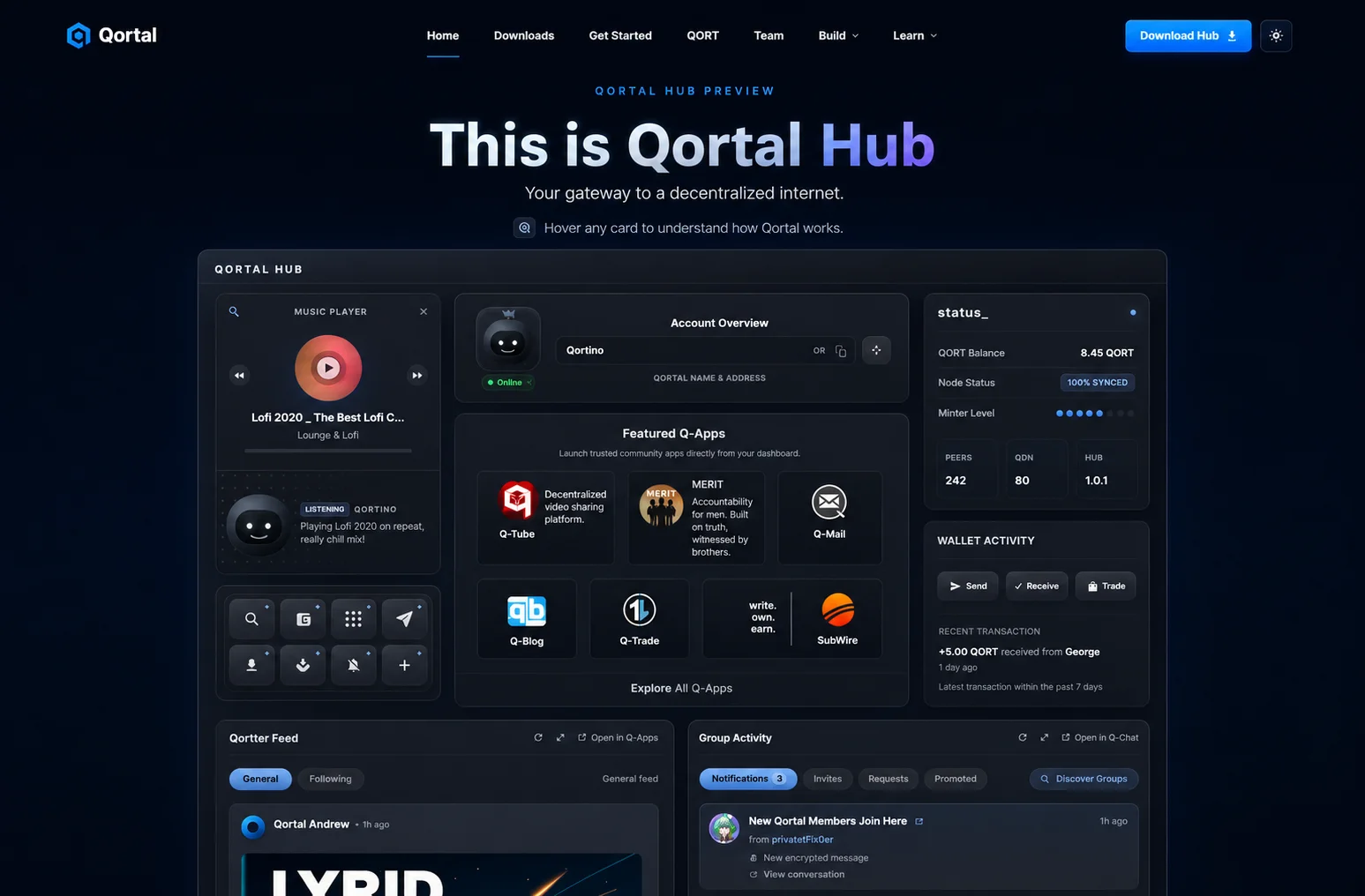
Use the official Qortal software and keep your account recovery offline.
Qortal is available for Windows, macOS, and Linux. Download the latest version from the official Qortal website.
Always download from the official site. Worldwide Brotherhood does not distribute Qortal software.
Qortal runs as a background application. Keep it running to stay connected to the network.
Qortal uses a built-in wallet. When you first launch Qortal, you'll be prompted to create an account. This account is your identity on the network. Keep your seed phrase secure — it is the only way to recover your account. Write it down. Store it offline. Do not share it with anyone.
Once Qortal is running and synced, you can access Q-Apps from the Q-Apps menu in the interface. This is where you'll find MERIT once it's published, or access it directly via its Qortal link.